Every builder hits the same wall: clients want to see work you've done, but you can't get work without clients. The way through is simpler than it sounds — build the projects clients would hire you for, and show them properly.
I looked at what people hiring automation builders actually check, and at what the strongest portfolios have in common. Here's how to build an AI automation portfolio from zero, including five project ideas and a template for presenting each one.
What a client looks for in ten seconds
Someone hiring you won't read everything. In the first few seconds they want to know:
- What problem did this solve? In plain words — "missed leads", not "webhook orchestration".
- Which tools? n8n, Make, Zapier, OpenAI, Claude, HubSpot…
- Does it actually run? A short video beats any description.
- Would it survive real life? Error handling, retries, alerts.
If each project answers those four questions, you're ahead of most portfolios.
Five portfolio projects you can build without clients
Pick two or three that match the clients you want. Use realistic sample data.
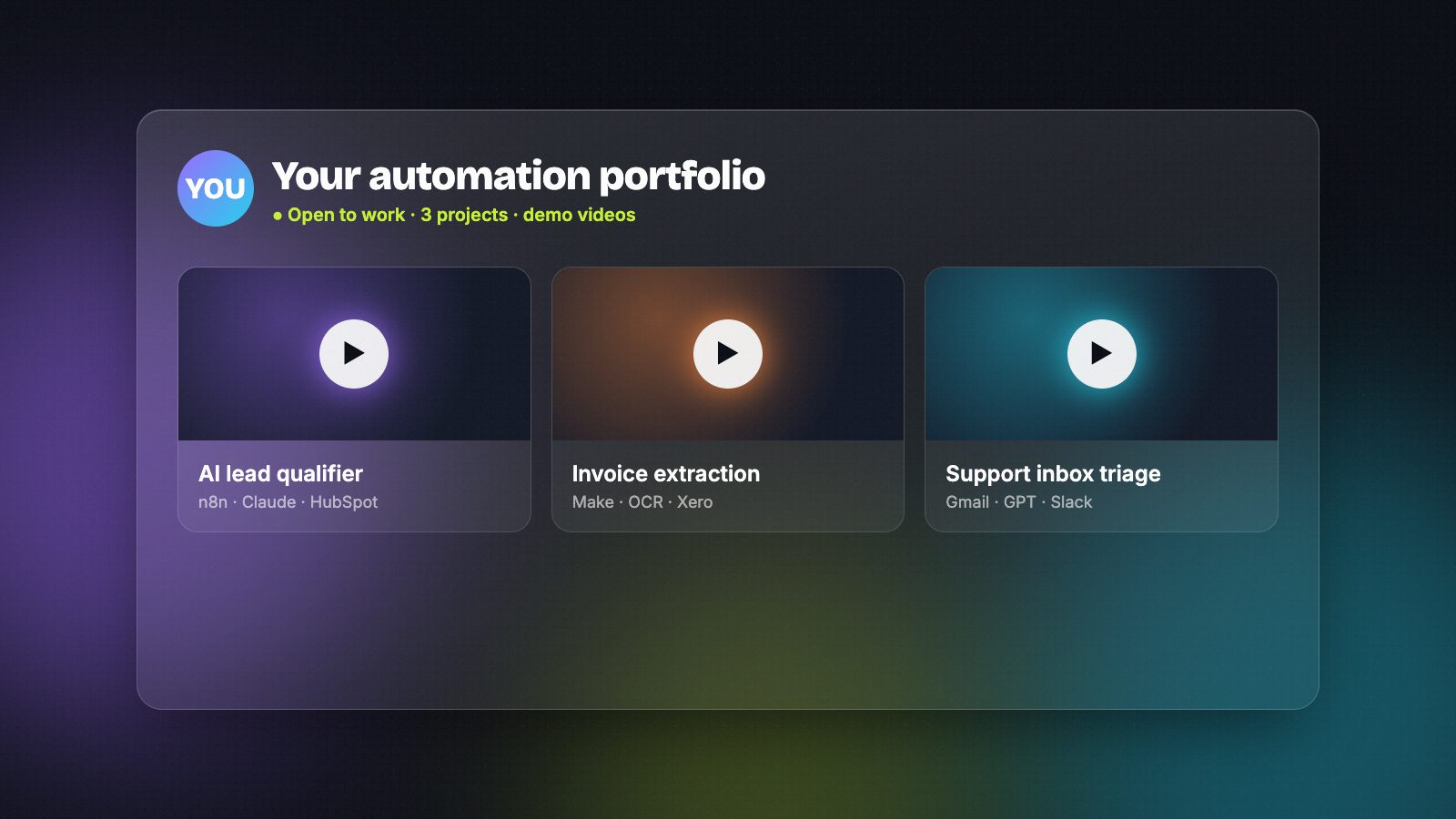
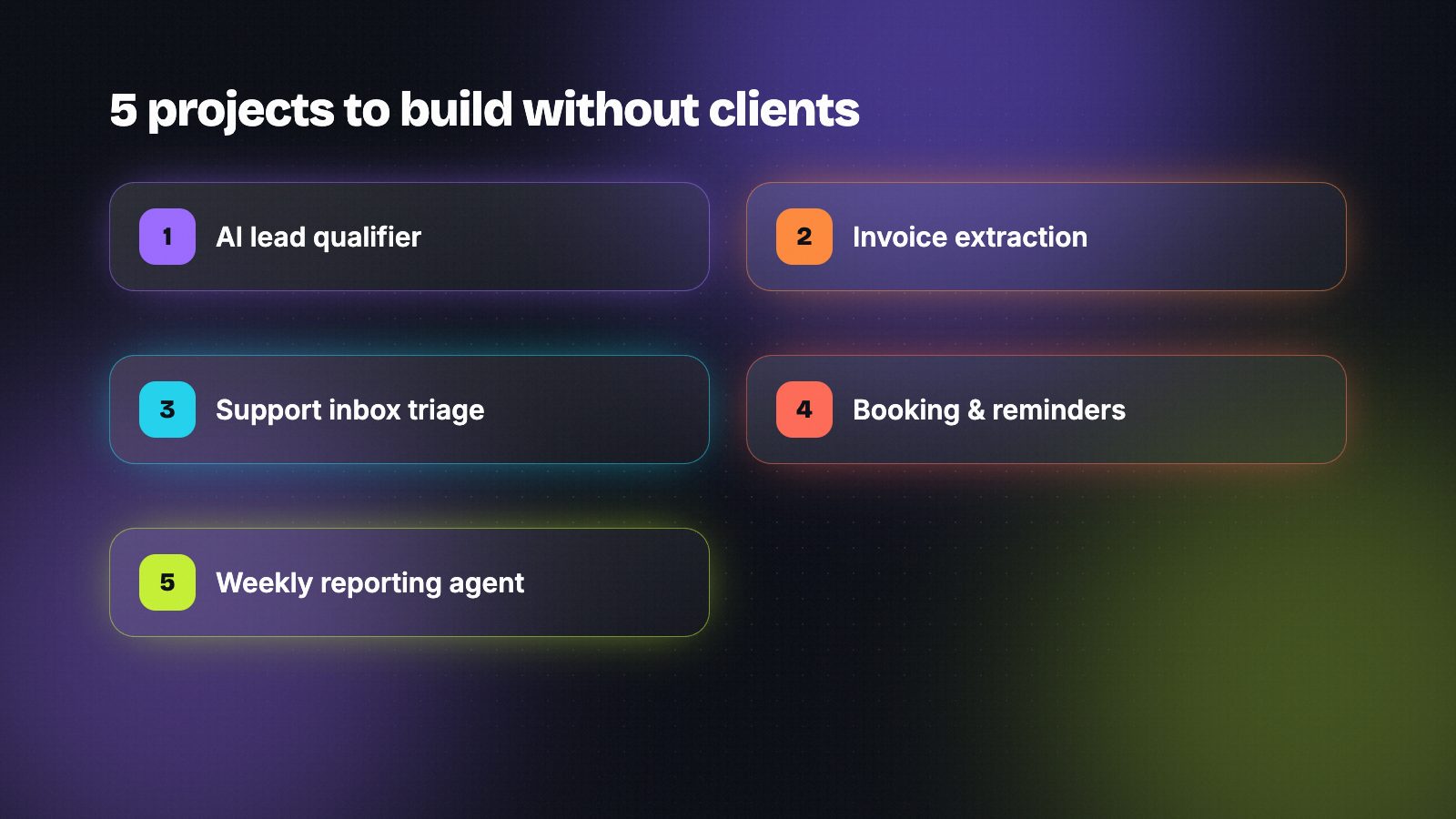
- AI lead qualifier — a form or email enquiry is read by an AI model, scored, enriched and routed to the right person in a CRM, with an instant reply to the lead. Tools: n8n or Make, OpenAI or Claude, HubSpot or Airtable.
- Invoice and document extraction — PDFs arrive by email, data is extracted, checked and written to accounting or a spreadsheet; anything unclear goes to a human. Tools: n8n, an LLM or OCR service, Google Sheets or Xero.
- AI support inbox triage — incoming emails are classified (sales, support, spam), urgent ones flagged, and draft replies prepared for approval. Tools: Gmail or Outlook, an LLM, Slack.
- Booking and reminder flow — bookings create calendar events, send confirmations and reminders, and follow up for reviews. Add a voice agent if voice AI is your niche. Tools: Cal.com or Calendly, Twilio, Vapi or Retell.
- Weekly reporting agent — data from ads, sales and support is pulled together and summarised in plain English every Monday. Tools: Make or n8n, APIs, an LLM, email or Slack.
If you work with AI assistants, an MCP server that lets Claude or another assistant use an internal tool is a standout sixth project — few portfolios have one yet.
How to present each project
Use the same short structure for every project:
- The problem: one or two sentences a business owner understands.
- What I built: the flow in five to eight steps, with a screenshot of the workflow.
- Tools: the apps and models used.
- The result: what it saves or improves. For demo projects, be honest — "designed to cut lead response time from hours to minutes", not invented client numbers.
- What could go wrong, and how it's handled: retries, fallbacks, alerts, a human review step.
- Demo: a two-minute video of it running.
That last point matters most. A clear Loom walkthrough often does more than the rest of the page combined.
Where to put your portfolio
You don't need a custom website to start:
- GitHub — a repository per project with a clear README, plus the exported workflow (n8n and Make let you export workflows as JSON).
- Short videos — Loom or YouTube (unlisted is fine).
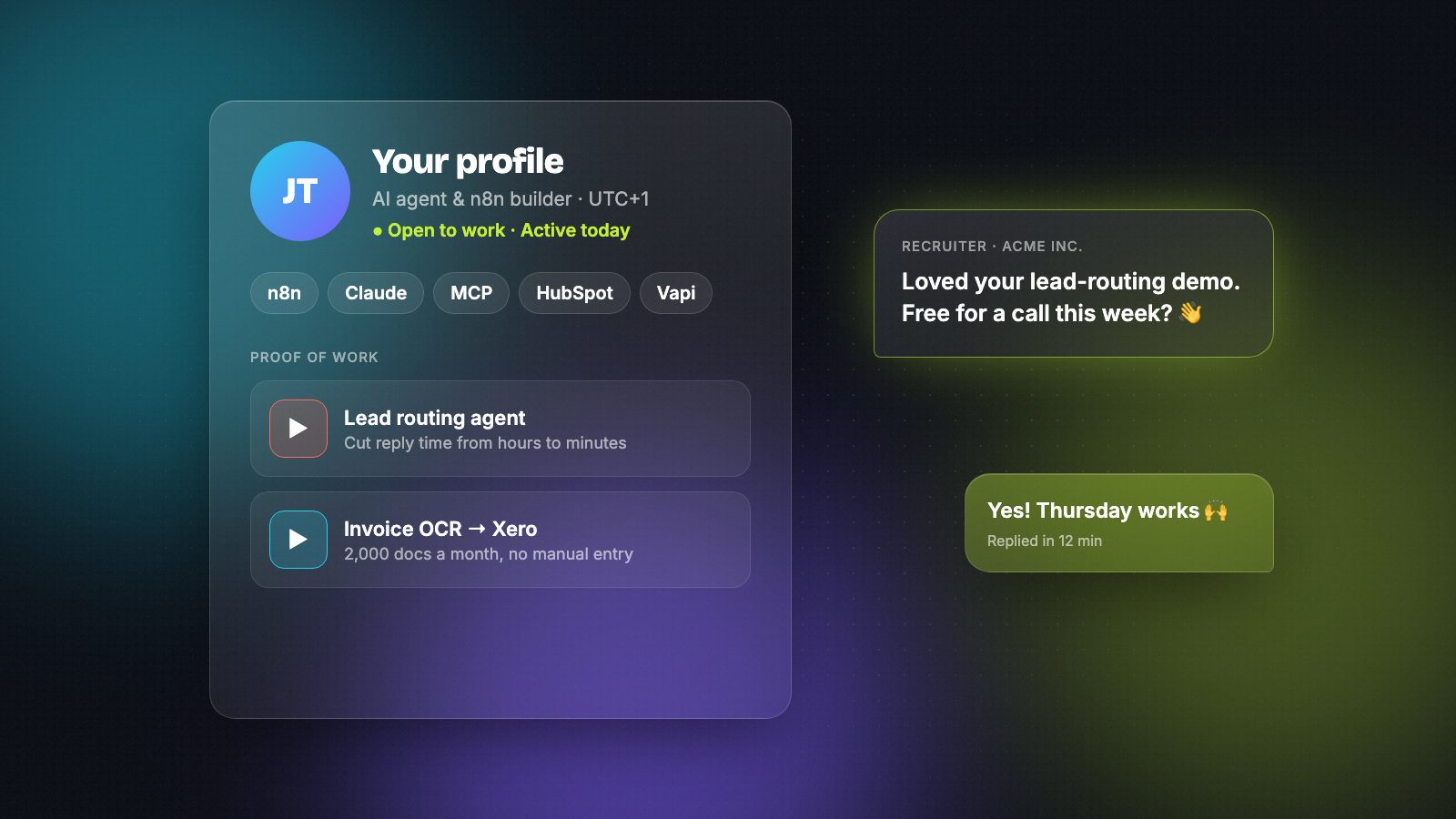
- One profile page that links everything — for example a free builder profile on HireAutomators, where clients search by tool and can message you directly.
- LinkedIn — add your best project to the Featured section.
Keep secrets out of your portfolio
Before you publish anything, make sure it contains no API keys, passwords, tokens or customer data. Check exported workflows and screenshots carefully, use sample data, and rotate any key that was ever visible. Clients notice — and it shows you'll be careful with their systems too.
Turn the portfolio into work
- Link the most relevant project in every proposal, not your whole list.
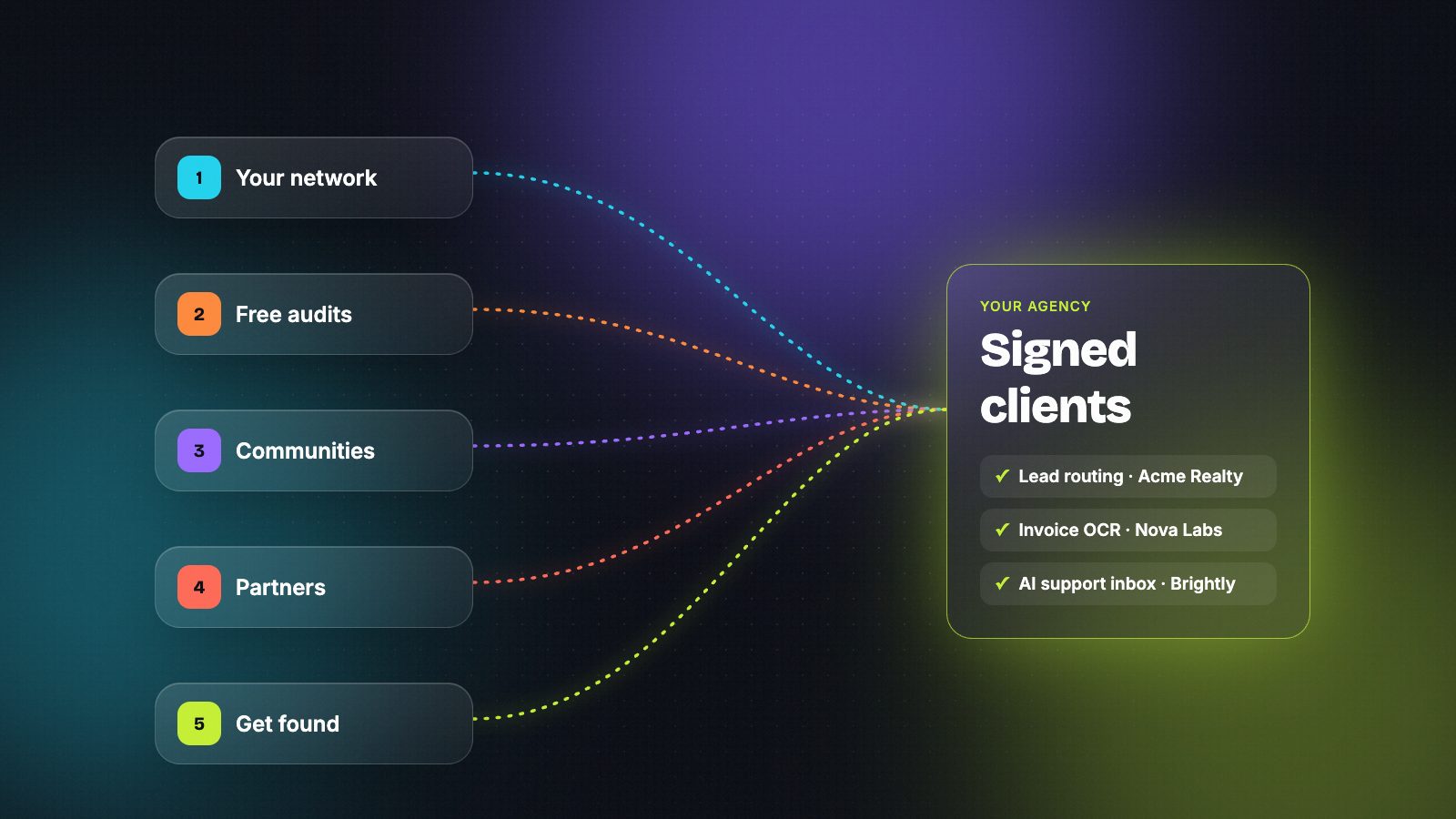
- Answer questions in the n8n, Make and Zapier communities and share small workflows — people hire the person who already helped them.
- After your first paid project, ask for a one-line testimonial and permission to describe the work.
- Keep your profile current. Recruiters favour builders who are clearly active — see our guide to building a profile recruiters reply to.
Frequently asked questions
Do I need a portfolio website?
No. A profile page that links two or three well-presented projects, with videos and GitHub repositories, is enough to start getting work. A personal site can come later.
How many projects should my portfolio have?
Two or three strong, relevant projects beat ten small ones. Choose projects that match the clients you want, and present each one properly.
Can I show client work that's under an NDA?
Not the confidential parts. Describe the problem and result without naming the client, use redacted screenshots, or rebuild a simplified version with sample data as a demo.
Is it okay to use sample data in demo projects?
Yes, and it's the right thing to do. Realistic sample data shows how the automation works without exposing anyone's information. Just say clearly that it's a demo.
Hire AI automation builders who actually reply.
Verified builders with real workflows on every profile — free during launch.