If you've never hired someone to automate part of your business, the market can feel confusing: new job titles, dozens of tools, and everyone claiming to "build AI agents". This guide answers the 15 questions beginners ask most often, in the order you'll actually face them — from "what is this?" to "who keeps it running after launch?".
Start here: what you're actually buying
1. What does an AI automation expert actually do?
They turn repetitive work into systems that run on their own. In practice that means connecting the tools you already use (CRM, inbox, forms, spreadsheets, databases), moving data between them automatically, and adding AI where it helps — for example to read documents, sort requests, draft replies or qualify leads. A good one also makes the automation reliable: it handles errors, alerts someone when something breaks, and is documented so your team understands it.
2. Is AI the same as automation?
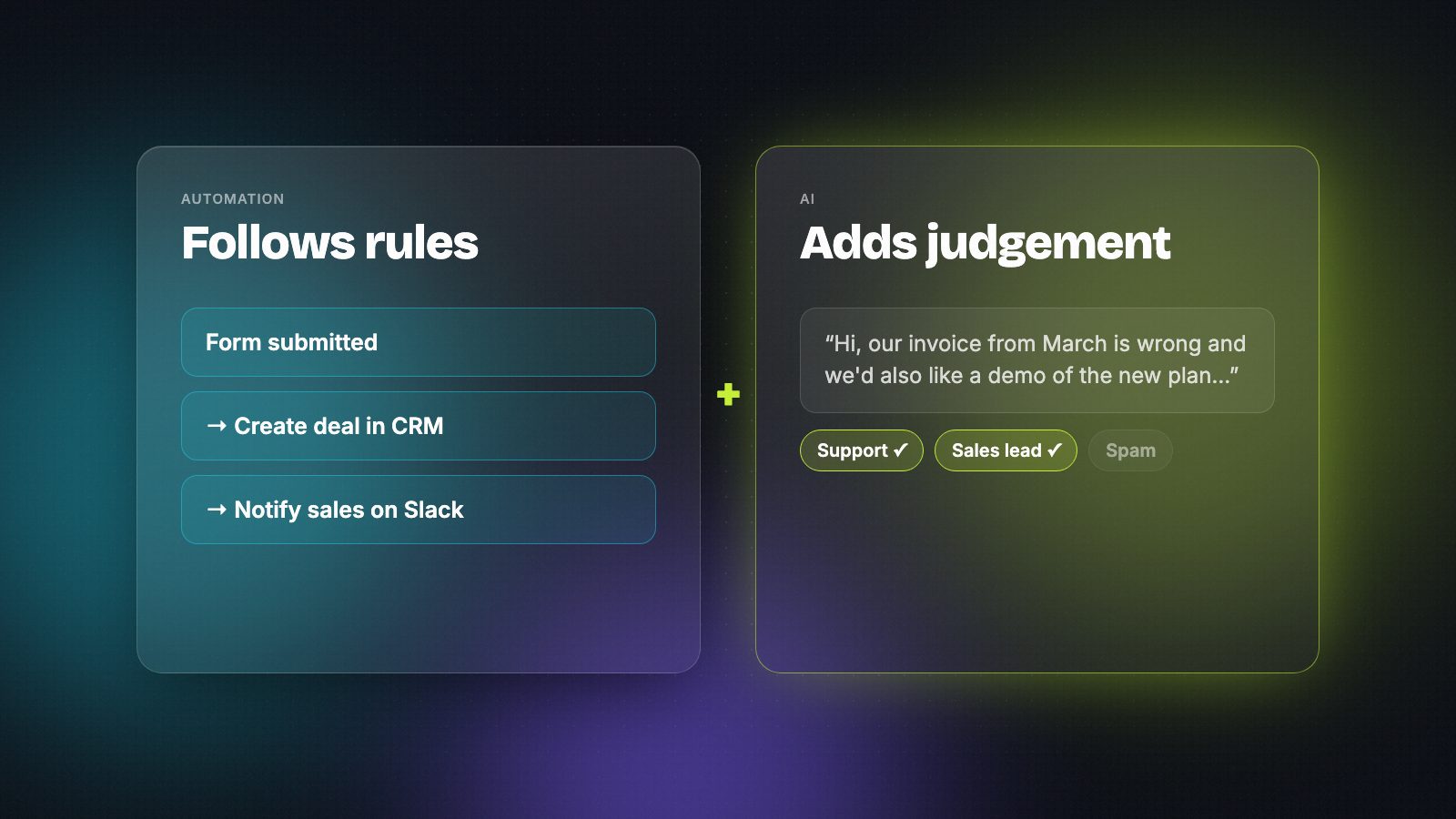
No. Automation follows rules you define: "when a form is submitted, create a deal and notify sales". AI adds judgement where rules are hard to write: "read this email and decide whether it's a sales lead, a support request or spam". Most useful systems combine both — reliable automation for the plumbing, AI for the few steps that need it.
3. Which business processes can AI automate?
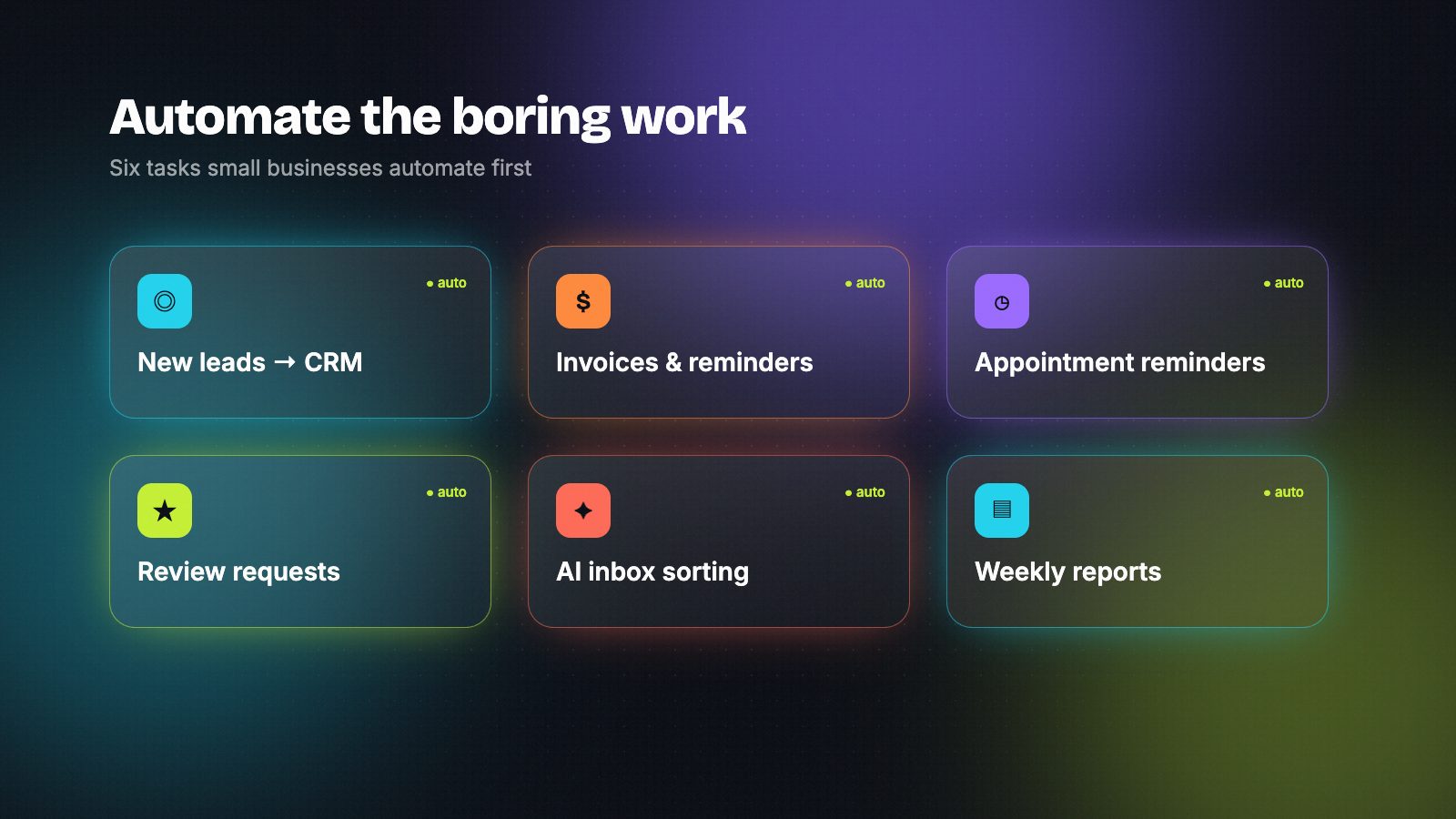
Good first candidates are tasks that are repetitive, frequent and follow a pattern:
- Lead capture, enrichment and routing to the right person
- Customer support triage and first-draft replies
- Pulling data out of invoices, contracts or forms
- Reporting that someone currently builds by hand every week
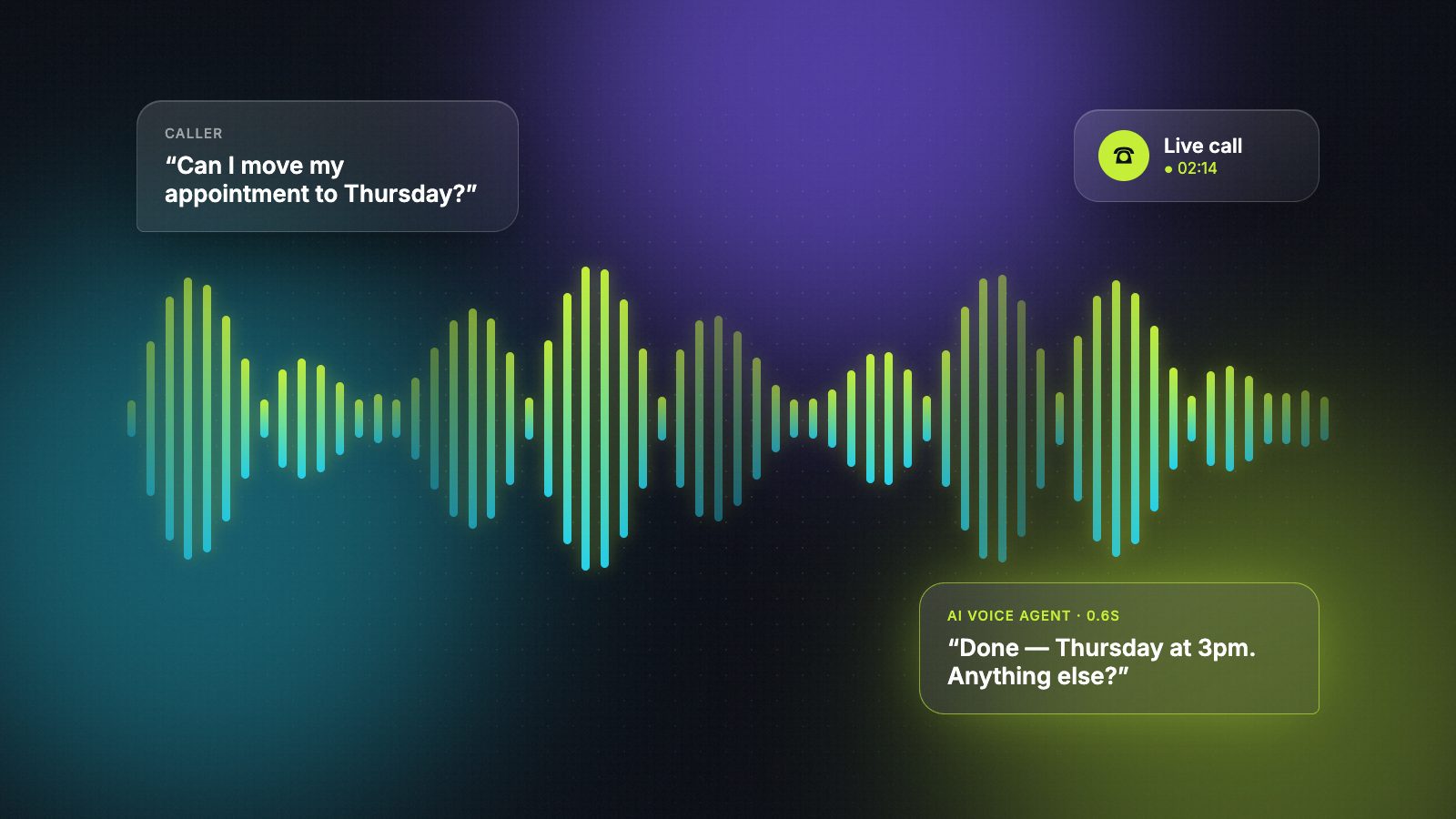
- Booking and reminders — including AI phone agents that answer calls
Poor candidates are rare, high-stakes decisions or work that changes every time.
4. Do AI agents actually work for small businesses?
Yes — when the job is narrow and well defined. An agent that qualifies inbound leads, answers questions from your help-center articles, or books appointments can work well. An agent asked to "run the business" will disappoint. Ask any builder for a demo of a similar agent they've shipped, and how it hands over to a human when it's unsure.
Decide whether you need help — and what kind
5. When should a company hire an automation expert instead of doing it in-house?
Consider hiring when people spend several hours a week copying data between tools, when existing automations keep breaking and nobody knows how they work, or when you want AI inside a real workflow but don't have the time or skills to build it safely. If the job is one simple two-step automation, a no-code tool and an afternoon may be enough.
6. Should I hire a freelancer or an AI automation agency?
A freelancer is usually faster and better value for a defined project — a few core workflows, a migration, one agent. An agency makes sense when you need a team, project management, or several specialists at once, and you're comfortable paying more for that coordination. Many teams start with a freelancer and add more help later.
7. Is hiring an AI automation agency worth it?
It can be, if they show real work, scope the project clearly and agree how results will be measured. Be wary of anyone promising big outcomes before they understand your systems. Whether you choose an agency or a freelancer, the same test applies: can they show something similar they built, and explain how it behaves when things go wrong?
Choose the right tools
8. n8n, Make or Zapier — which should my expert use?
In short: Zapier is the easiest and connects to the most apps; Make gives more visual control over complex, branching processes; n8n can be self-hosted, mixes visual steps with code, and is popular for AI-heavy work. Pick based on who will maintain it and how complex the logic is. We compare them in detail in n8n vs Make vs Zapier.
9. Is n8n safe for business data?
n8n can be run on your own servers, which lets you keep data in-house, and it supports credentials management and access controls. Safety depends mostly on how it's set up: who has access, how API keys are stored, whether the server is updated, and whether sensitive data is logged. Ask your expert how they handle each of these — a good one will have clear answers.
Find and vet the right person
10. Where can I find a vetted automation expert?
Options include large freelance marketplaces, tool-specific partner directories, and specialist talent pools. Large marketplaces have the most people but take time to filter. On HireAutomators every builder shows real work samples and confirms they're open to work every 30 days — you can browse by role or tool.
11. How do I check an automation freelancer's work before hiring?
Look for proof of work, not keyword lists: exported workflows or screenshots, a short video walkthrough, a code repository, or a case study with a clear result. Then ask them to talk you through one example — what broke after launch and how they fixed it. People who built it themselves answer that easily.
12. What questions should I ask in the first call?
- "Walk me through something similar you've built."
- "How would you approach our problem? What would you build first?"
- "How do you handle errors, retries and alerts?"
- "Where will this run, and who can access the data?"
- "What will you hand over so our team can maintain it?"
Budget, timeline and life after launch
13. How much does it cost to hire an automation expert?
It varies widely with experience, region and the complexity of the work. On public freelance marketplaces you'll see automation freelancers listed from under $20 an hour to several times that for senior specialists. Fixed-price projects are common for well-defined builds. The cheapest option often costs more later if the automation is fragile — compare work samples, not just rates.
14. How long does it take to build a business automation?
A simple workflow can take a day or two. A set of connected workflows with error handling typically takes one to a few weeks. AI agents and migrations usually take longer because they need testing with real data. Ask for a first working version early, then improve it.
15. Who maintains the automation after it's built?
Agree this before you start. Options are: your team maintains it (so insist on documentation and a handover call), the builder stays on a small monthly retainer, or a mix. Either way, make sure alerts go to a real person when something fails.
A simple hiring checklist
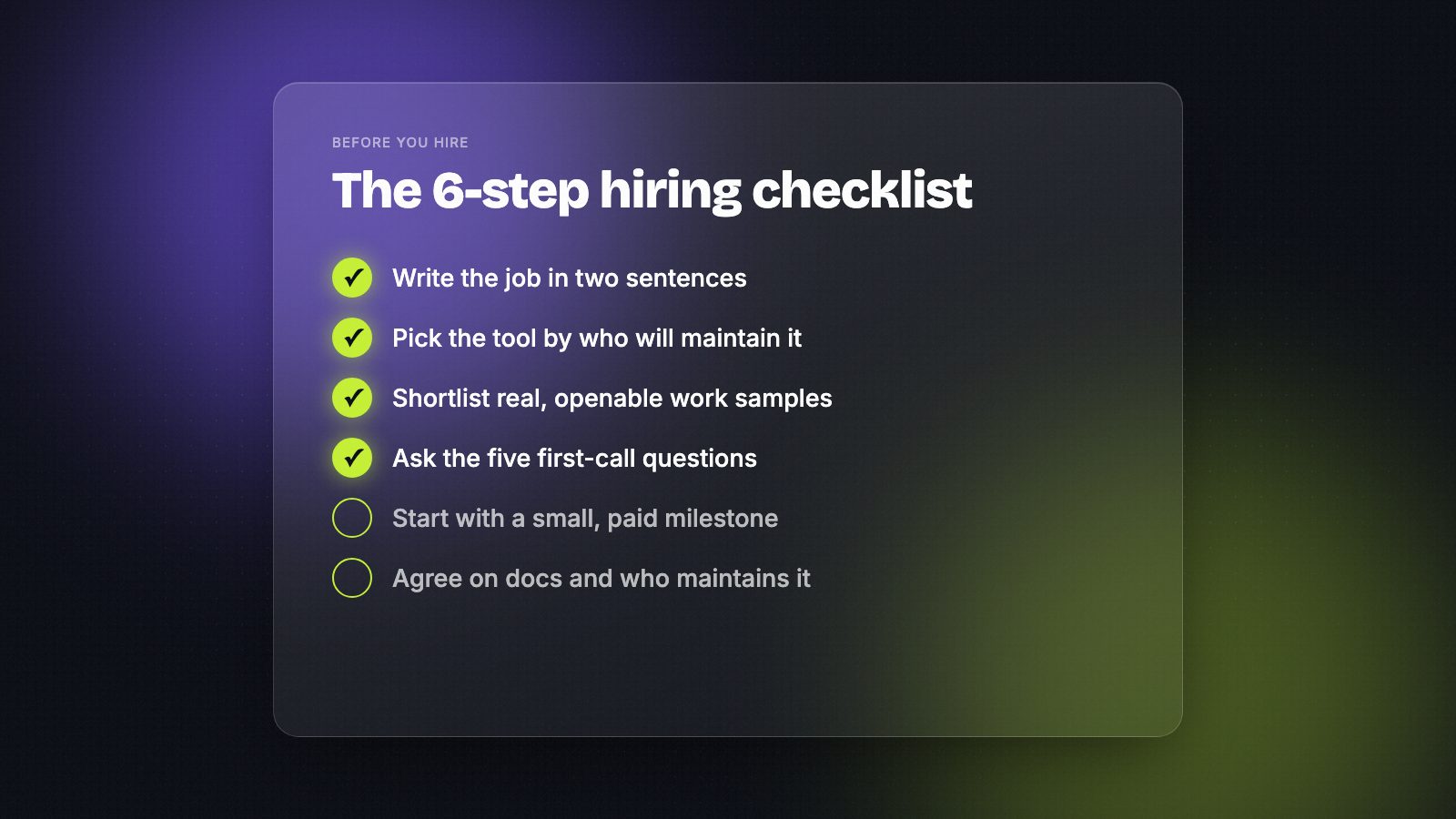
- Write the job in two sentences — the process and the result you want
- Choose the tool based on who will maintain it
- Shortlist people with real, openable work samples
- Ask the five first-call questions above
- Start with a small, paid first milestone
- Agree on documentation and who maintains it after launch
Ready to look? Browse AI automation builders who are open to work →
Hire AI automation builders who actually reply.
Verified builders with real workflows on every profile — free during launch.